

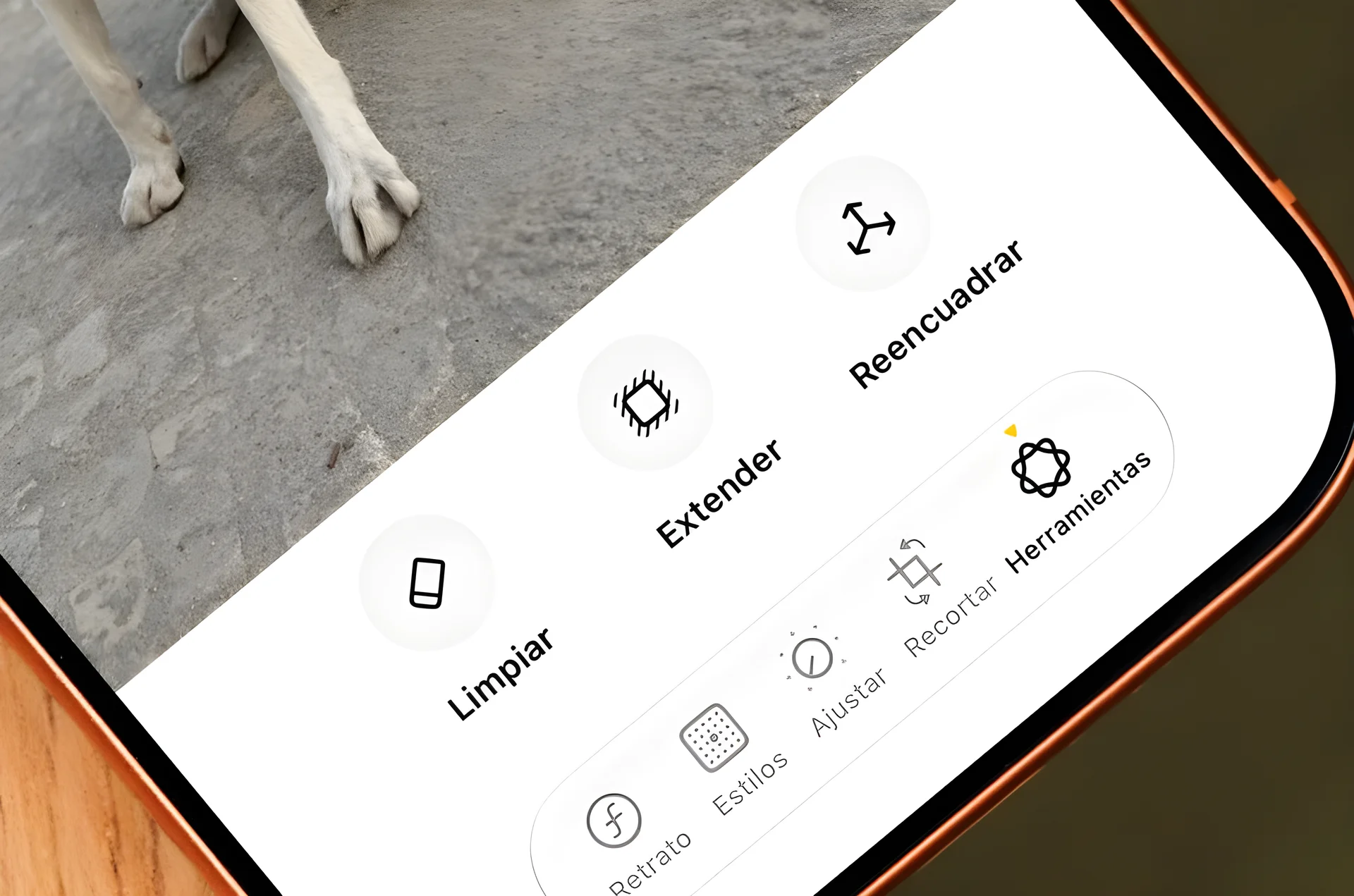
Apple’s iOS 27 update, released on September 14, introduces a range of new features and performance improvements for iPhone users — Among the most notable upgrades are enhanced Focus mode, an improved Weather app, and AI-powered enhancements for photo editing. The update also includes optimizations for older devices, making the operating system run faster and smoother on models like the iPhone 11 Pro Max.
Enhanced Focus Mode and Automation
Focus mode, a feature that allows users to control which notifications they receive, has been updated in iOS 27 with new customization options. Users can now adjust the size of the Focus icon in Control Center, changing it from a 2×1 layout in previous versions to a 1×1 circle or even a 2×2 tile for easier access. This change gives users more flexibility in managing their notification settings without cluttering the screen.
Another significant improvement is the enhanced ability to integrate Focus mode with Shortcuts, According to Derek Seaman, users can now create shortcuts that trigger based on the active Focus mode. For instance, a user can set up a shortcut to automatically play a podcast when in Driving Focus mode — the Sleep Focus mode is now also available as a trigger for automation, helping users create personalized routines around their daily activities.
Weather App and Performance Upgrades
The Weather app in iOS 27 has been updated with new tabs for Conditions, Precipitation, and Wind, each providing detailed information about the weather for the current day and following days. A new “Highlights” section at the top of the app offers a brief written summary of significant weather updates for the day, such as expected rain or temperature shifts. Also, users can now choose a fourth, extra-large widget size for the Weather app on their home screen, a feature that caters to those who want more detailed weather information at a glance.
Performance improvements are a major focus of iOS 27, especially for older models, According to a test conducted on an iPhone 11 Pro Max, the update significantly reduced lag and improved app launch times compared to iOS 26. These optimizations include faster file transfers and a more efficient handling of background processes. Apple has also addressed issues with Liquid Glass, the transparent design language introduced in iOS 26, by allowing users to adjust the transparency of system elements to prevent text from showing through.
AI-Powered Photo Editing and Siri Improvements
iOS 27 brings AI-powered enhancements to the Photos app, particularly for users with iPhone 15 Pro and later models; the Clean Up tool, previously available, has been significantly improved to more accurately remove unwanted objects or people from photos. Users can now draw over the object they wish to remove, and the app will fill in the gap with realistic details, though this feature is especially useful for fixing minor imperfections in photos without the need for third-party apps.
The update also introduces Siri AI, a more conversational version of Apple’s voice assistant. However, the feature is currently limited to English and is not available on the iPhone in Europe; users can try it on the Mac by switching their language settings to English. This version of Siri is designed to understand more natural language and provide more contextually relevant responses, making it feel more like a real conversation partner.






Comments
No comments yet
Be the first to share your thoughts