

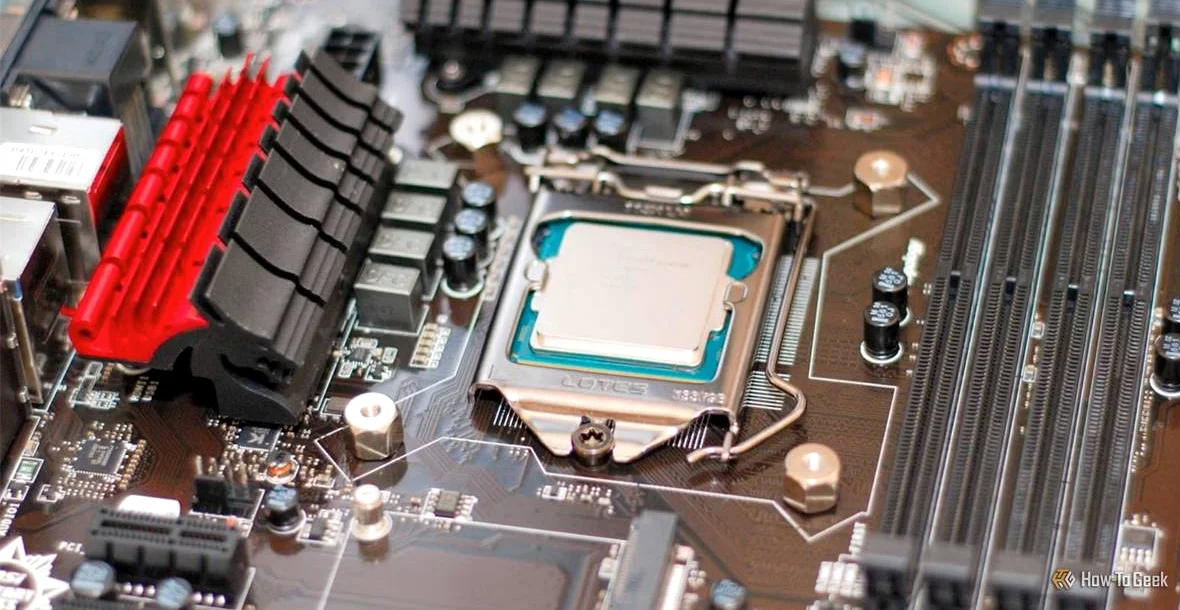
Technology writer Sydney Butler warns that overlooking PCIe lane counts in CPUs can cripple high-end PC builds. Devices like GPUs and NVMe SSDs compete for a finite number of these parallel data channels, primarily supplied by the processor. Motherboards may offer extra slots, but without sufficient CPU lanes, performance suffers.
PCIe lanes carry data at speeds that double with each generation—PCIe 5.0 lanes match the bandwidth of two PCIe 4.0 lanes. CPUs dictate the total available. A typical mainstream Intel or AMD chip provides 16 to 28 lanes: 16 for the GPU, four for a primary NVMe SSD, and the rest split among secondary storage, network cards, and USB controllers, according to Butler’s analysis.
Problems arise with power-user setups. Adding extra NVMe SSDs to all M.2 slots can steal lanes from the GPU, dropping it from 16x to 8x configuration. Gamers might not notice in lighter loads, but demanding tasks like 4K rendering or ray-traced gaming reveal the hit. Some motherboards even disable SATA ports when M.2 slots fill up.
Motherboard chipsets offer slower supplemental lanes, often connected via a four-lane uplink to the CPU. Four PCIe 5.0 lanes equal eight PCIe 4.0 or 16 PCIe 3.0 in bandwidth. Still, funneling multiple peripherals through this bottleneck spikes latency and stalls data flow, Butler explains.
Budget and mainstream CPUs bear the brunt. High-end models aimed at creators and professionals pack far more lanes. Intel’s Xeon 6 series reaches 136 PCIe lanes, supporting simultaneous high-speed GPUs, multiple SSDs, and add-in cards without compromise. Laptops face tighter constraints; an Intel Core i9-13900HX offers just 20 PCIe 5.0 lanes, equivalent to 40 PCIe 4.0 lanes.
Real-world tests expose the limits quickly. Inserting a second GPU or PCIe network card reallocates lanes, potentially halving GPU bandwidth. Butler recounts setups where fully populated M.2 bays halted SATA functionality entirely.
Builders must prioritize lanes over core counts when planning. Check if your GPU tolerates 8x mode—most midrange cards show minimal loss on PCIe 4.0 or faster, freeing lanes for storage. Motherboard manuals detail slot-sharing diagrams; some BIOS settings enable PCIe bifurcation to split a 16x slot into four x4 slots for SSDs.
Adapters help in a pinch, but the fix for severe shortages is a CPU upgrade. Butler, with two decades as a PC technician, urges checking specs before purchase. His Intel 13900HX laptop skirts issues thanks to its lane count, but he cautions desktop enthusiasts against skimping.
High-end CPUs cost more partly for this reason, handling diverse peripherals at full speed. Power users with VR rigs, 3D printing arrays, or multi-GPU workstations hit walls fastest. A few dollars extra on the processor now avoids expensive rework later.






Comments
No comments yet
Be the first to share your thoughts